
Free AI Visibility Tool for Chrome
Analyze AI visibility signals on the active website tab and get a 0-100 page score before you move into deeper GEO work.


Check AI visibility from the browser
Use the free Chrome extension to review active pages for AI answer readiness while you browse.
A faster way to spot page-level AI visibility gaps
Use the same Texta workflow language from the website, but start with a lightweight browser check.
Without the extension
- Copy URLs into separate tools for every quick page check
- Wait for a full project setup before spotting page-level gaps
- Review AI readiness only after content has already shipped
- Keep quick findings separate from your broader visibility process
With the extension
- Run the AI visibility scan from the active Chrome tab
- See a free 0-100 score before deeper GEO work begins
- Check active pages while researching, editing, or QAing content
- Use extension findings as a starting point for Texta workflows
Go from page score to GEO action
Start with a browser scan, then use Texta when you need continuous monitoring and reporting.
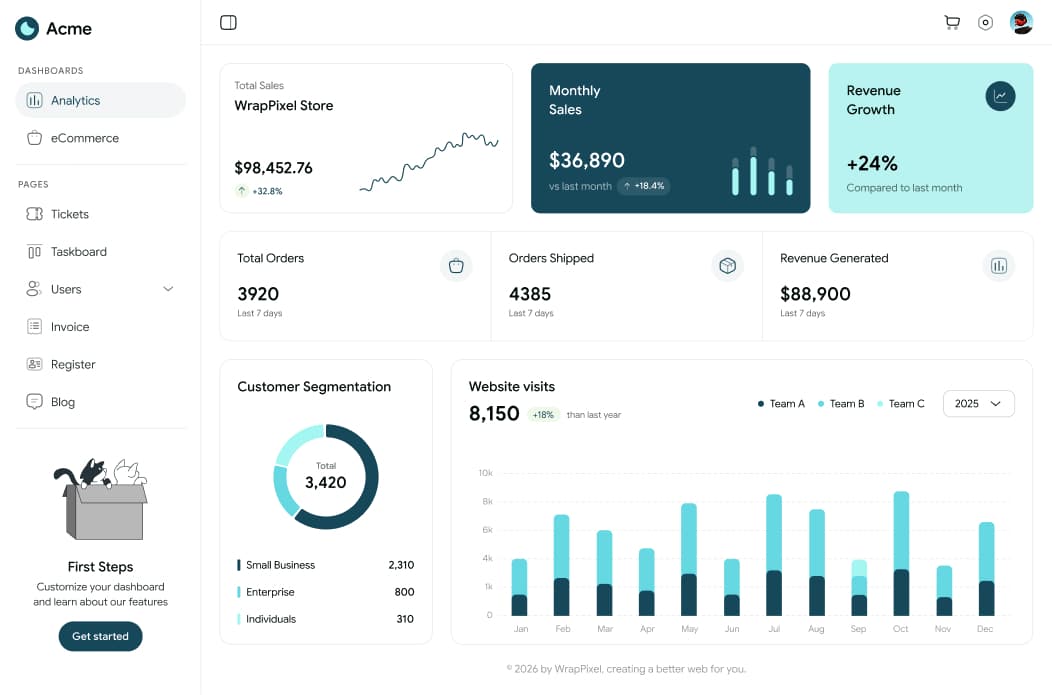
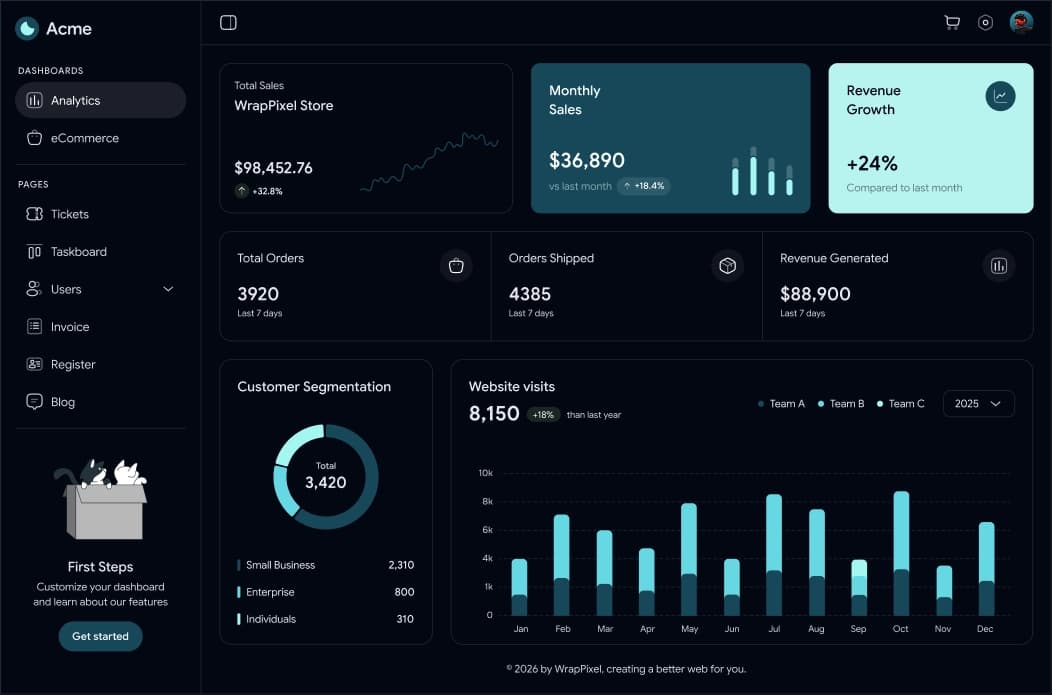
Scan any active website tab
Open a public HTTP or HTTPS page, run the extension, and get a quick AI visibility score in the browser.
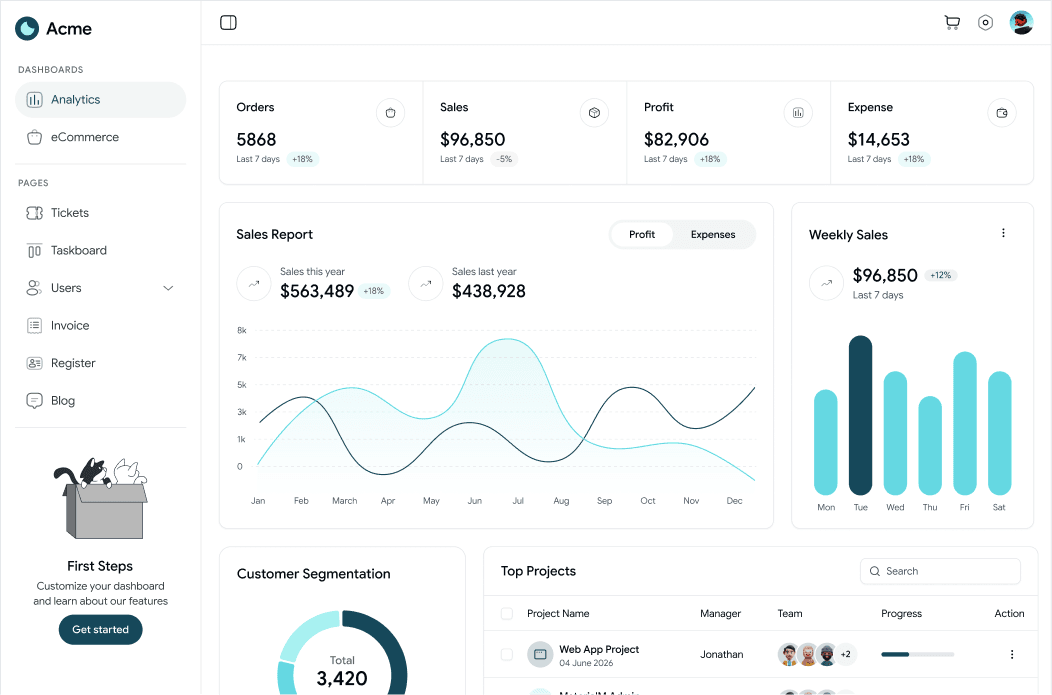
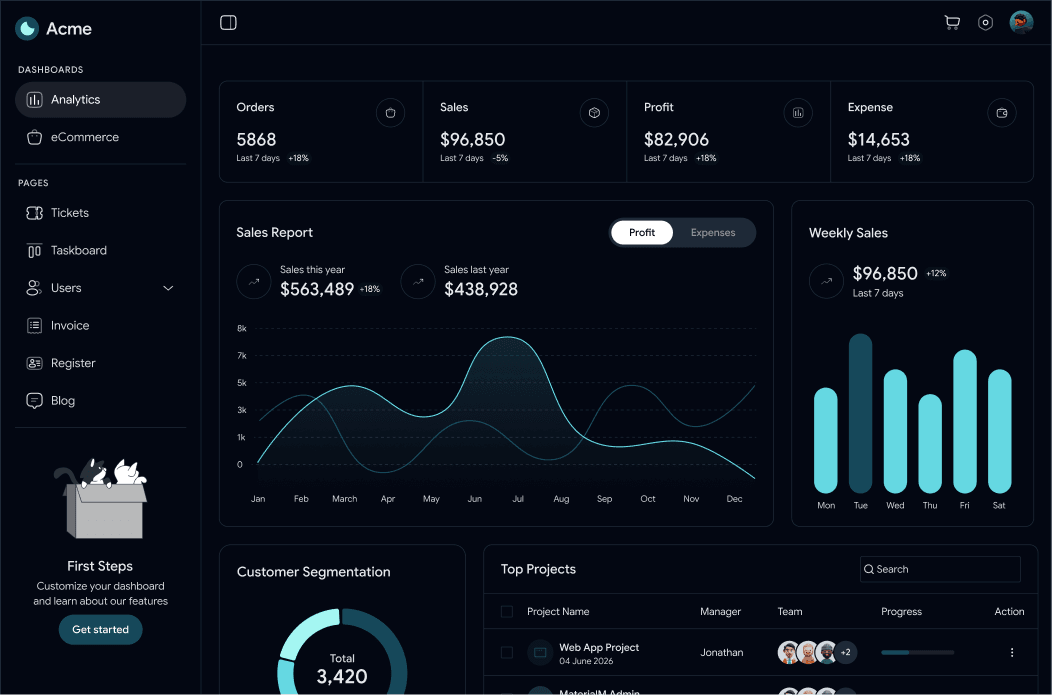
Review AI answer readiness
Use the page-level signal review to understand whether content is ready for AI-generated answers.
Move deeper work into Texta
When a page needs ongoing prompt tracking, citation analysis, or reporting, continue the workflow in Texta.
Free AI visibility checks in Chrome
Answers about the Texta Chrome extension and how it fits into AI visibility workflows.